
How to find tenants for a vacant commercial space in 10 minutes (Prospect quick-start guide)
Tristen PaloriSep 29, 20268 min read

The short answer: to find tenants for a vacant commercial space, build a list of businesses that fit the space and sit near it, find the person who makes the real estate decision at each one, then work that list by phone and email on a steady schedule. In SiteMap Prospect, the list building and contact research take about ten minutes, so the rest of your week goes to conversations instead of spreadsheets.
This guide walks through that process from a blank screen to a working prospect list. It's the same flow shown in our 1-minute Prospect product video.
Tenant prospecting is outbound work to find businesses that could lease a specific space before they start looking on their own. Instead of waiting for inbound calls off a sign or a listing site, you go to the tenants who fit: the right use, the right size, the right trade area.
Most brokers already know this works. The problem is the prep. Doing it by hand usually means:
| The manual way | What it costs you |
|---|---|
| Driving the trade area and searching Google Maps for businesses that fit | Hours per listing, and the list is out of date the day you finish it |
| Hunting down the owner or decision maker for each business | Calls to the front desk that never reach the person who signs |
| Buying or guessing cell phones and emails | Bounced emails and wrong numbers |
| Tracking calls and follow-ups in a spreadsheet or your head | Leads that go cold because nobody followed up |
Prospect puts all four jobs in one place. Here's the ten-minute version.
Go to Campaigns and click New Campaign. A campaign is one prospecting effort: usually one vacancy and the tenants you want in it.
Pick the campaign type that matches the job:
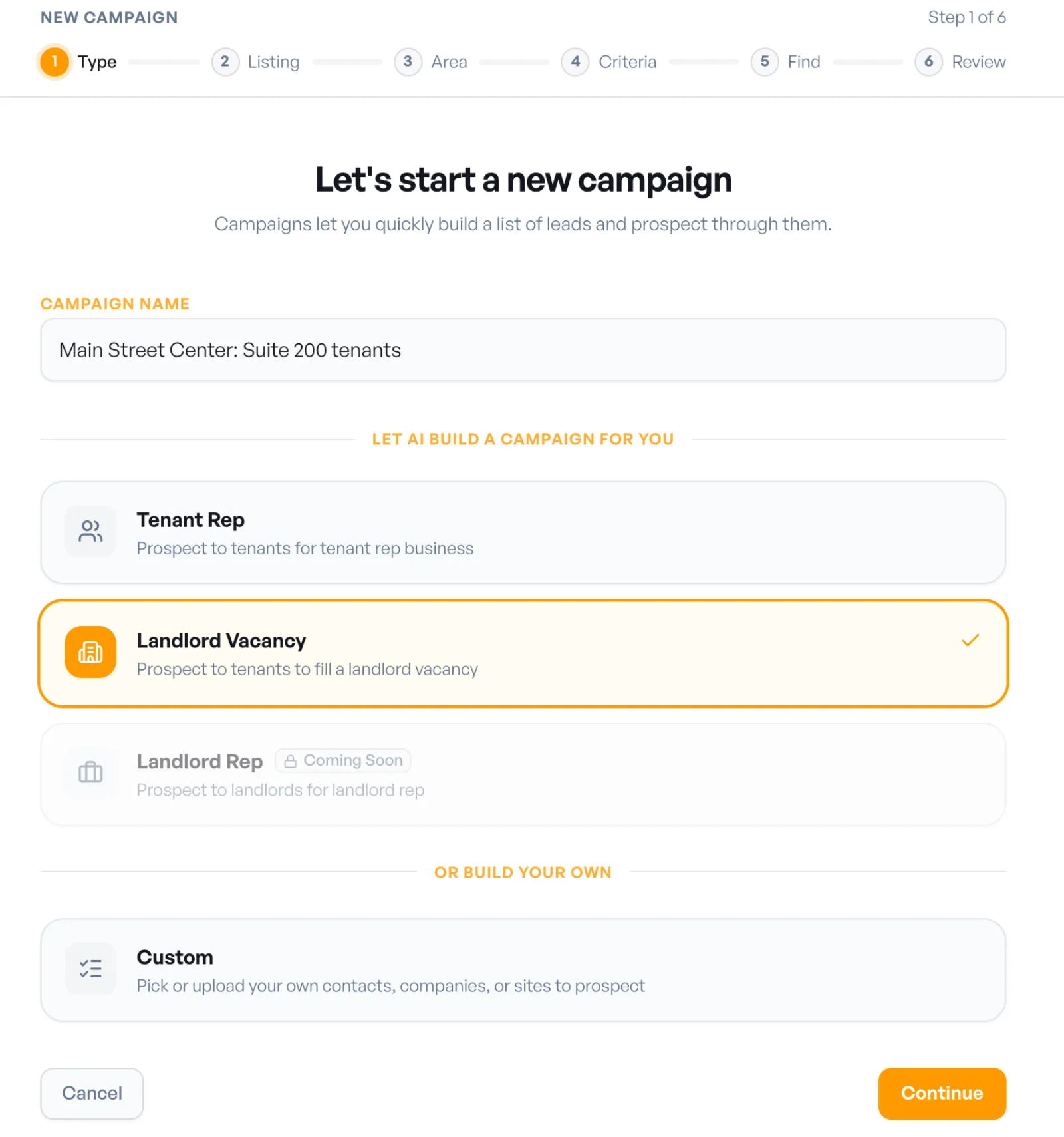
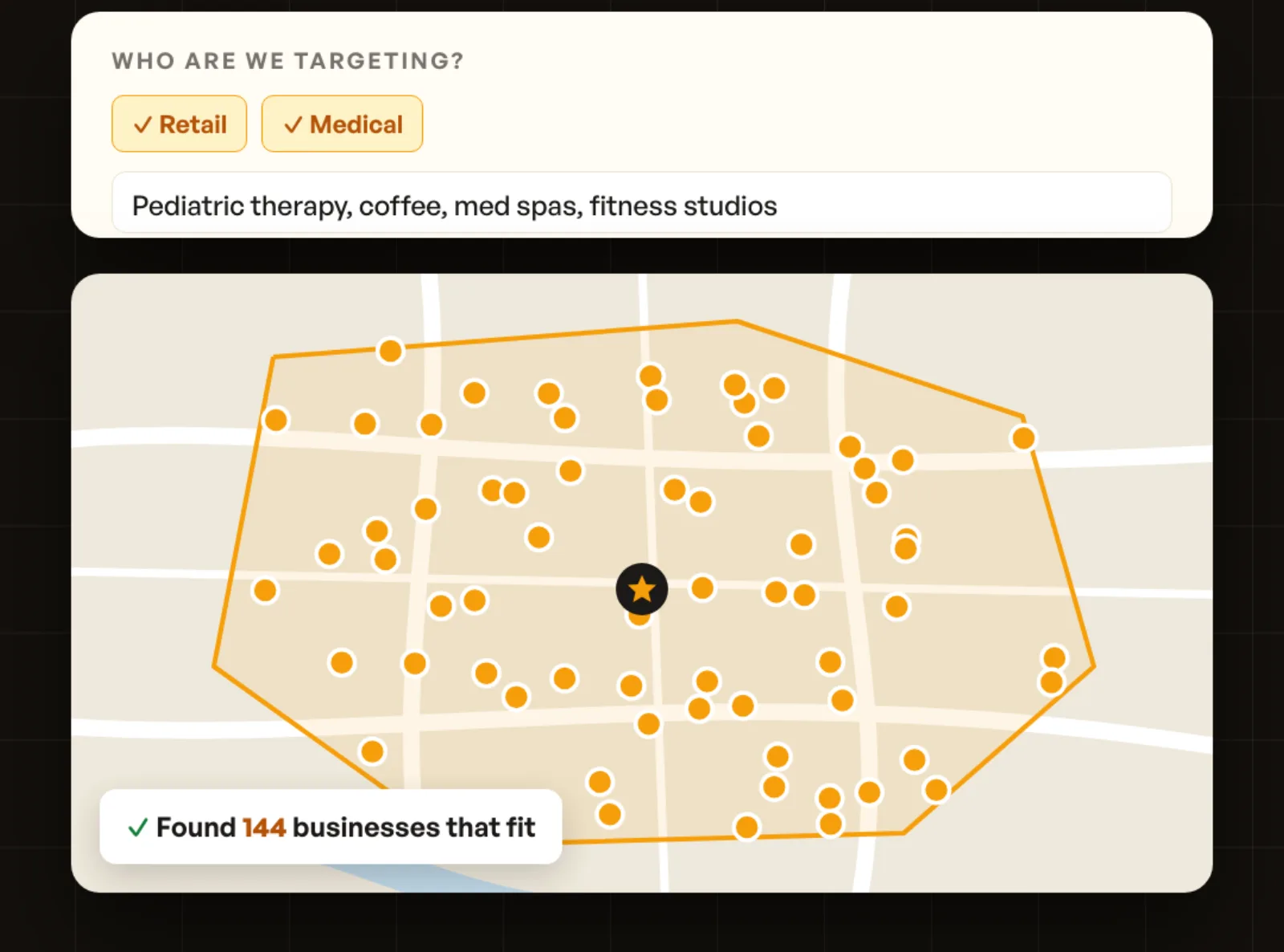
Then follow the six steps: Type, Listing, Area, Criteria, Find, Review.
A list of businesses isn't a list of people. The next job is reaching the person who actually signs a lease: the owner, founder, or the executive who runs real estate.
Select the prospects you want to contact and click Enrich. Choose how many contacts to find per company and what each one must have (an email, a cell phone, or both), then click Find email and cell. Emails come back first; cell numbers can take a few more minutes to arrive.
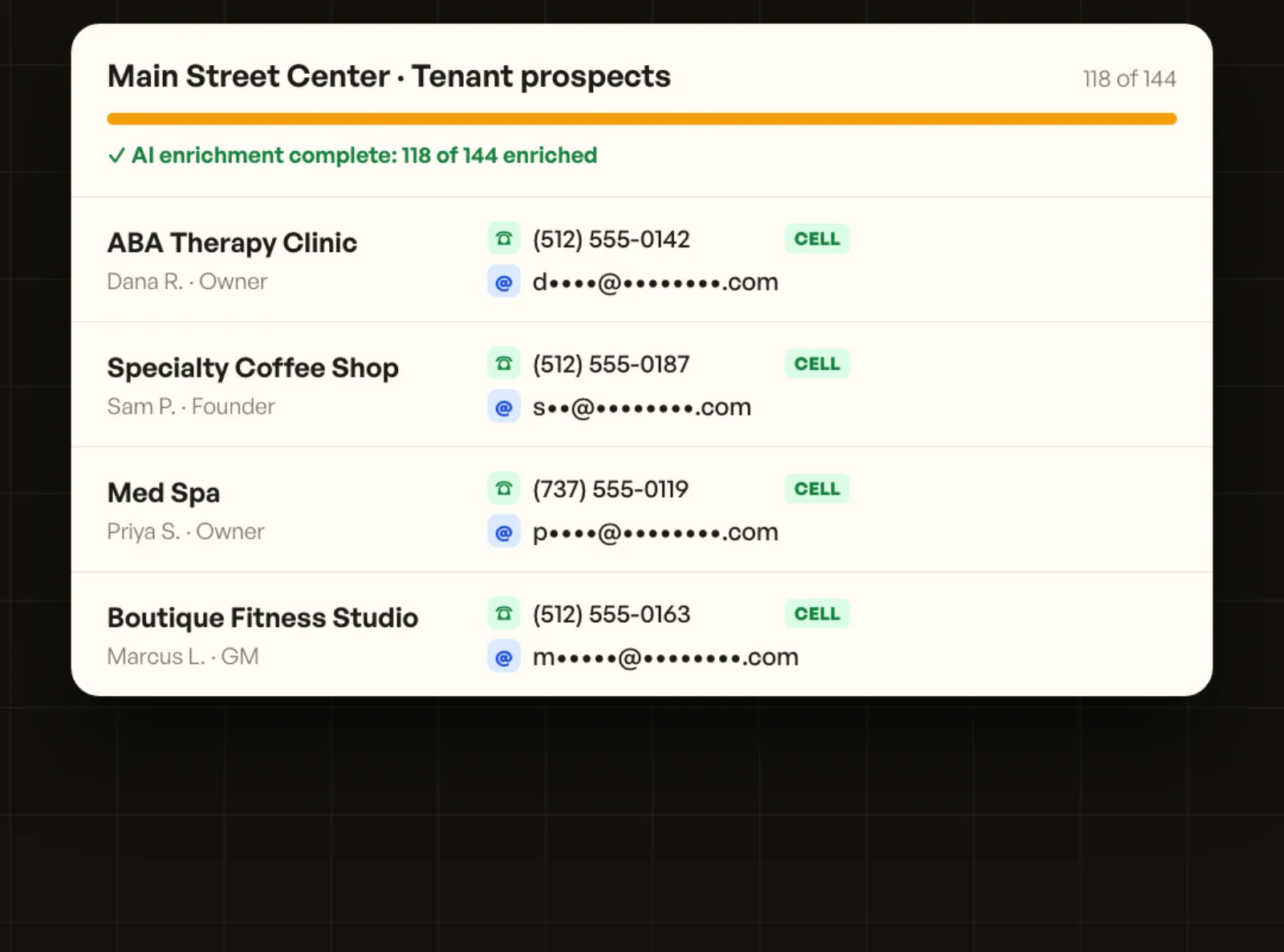
Every contact lands on the company's record, with their title, phone, and email, so the whole team works from the same information.
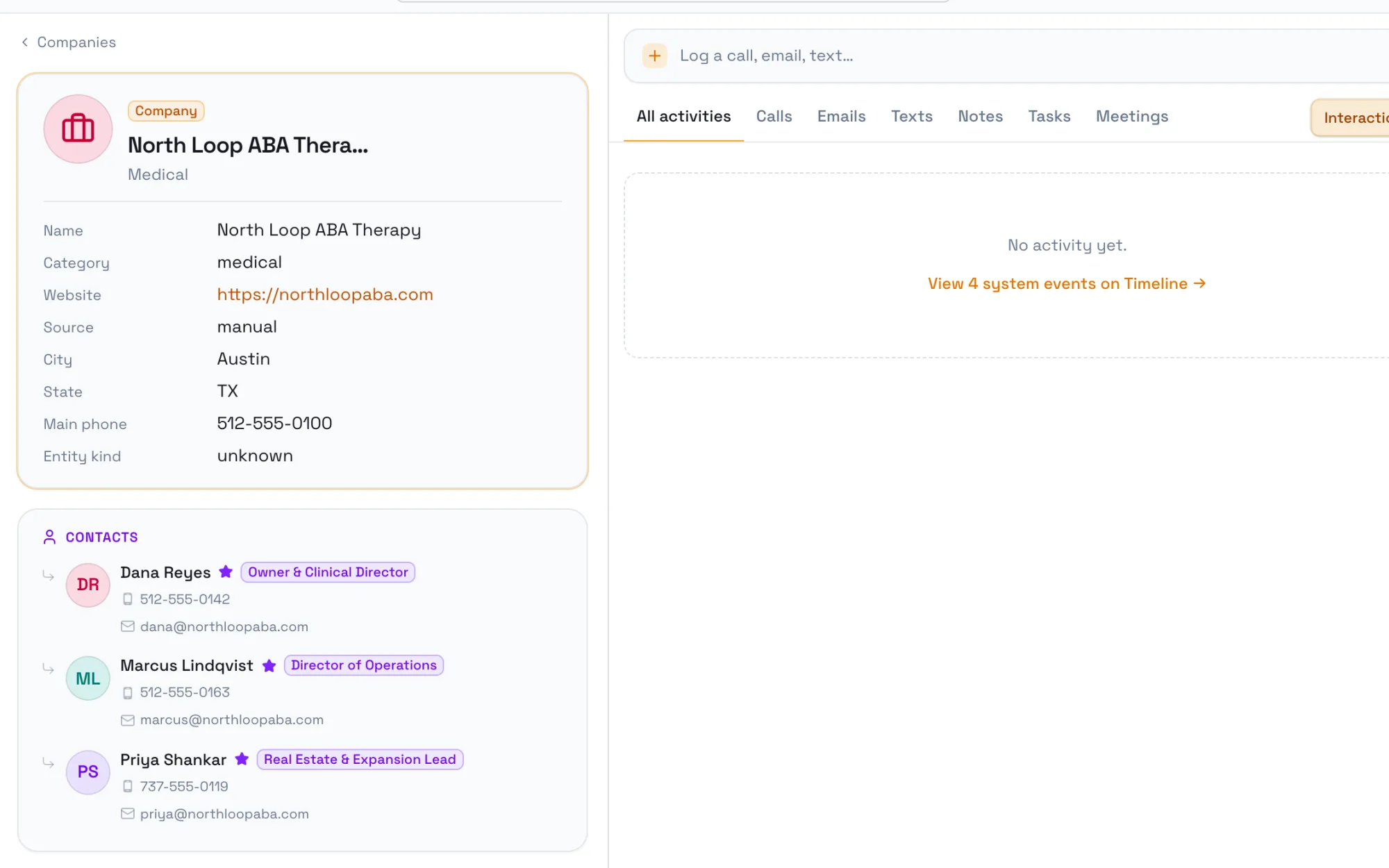
Read more about how this works on the Data Enrichment page.
Now the list is ready to work. Click Start Prospecting and Prospect walks you through the list one business at a time.
When you call, SiteMap rings your phone first and connects you once you pick up, so there's nothing to install. While you talk, jot notes in the call panel. When you hang up, answer What came out of the call? with Interested, Uninterested, or Follow up, and move to the Next prospect.
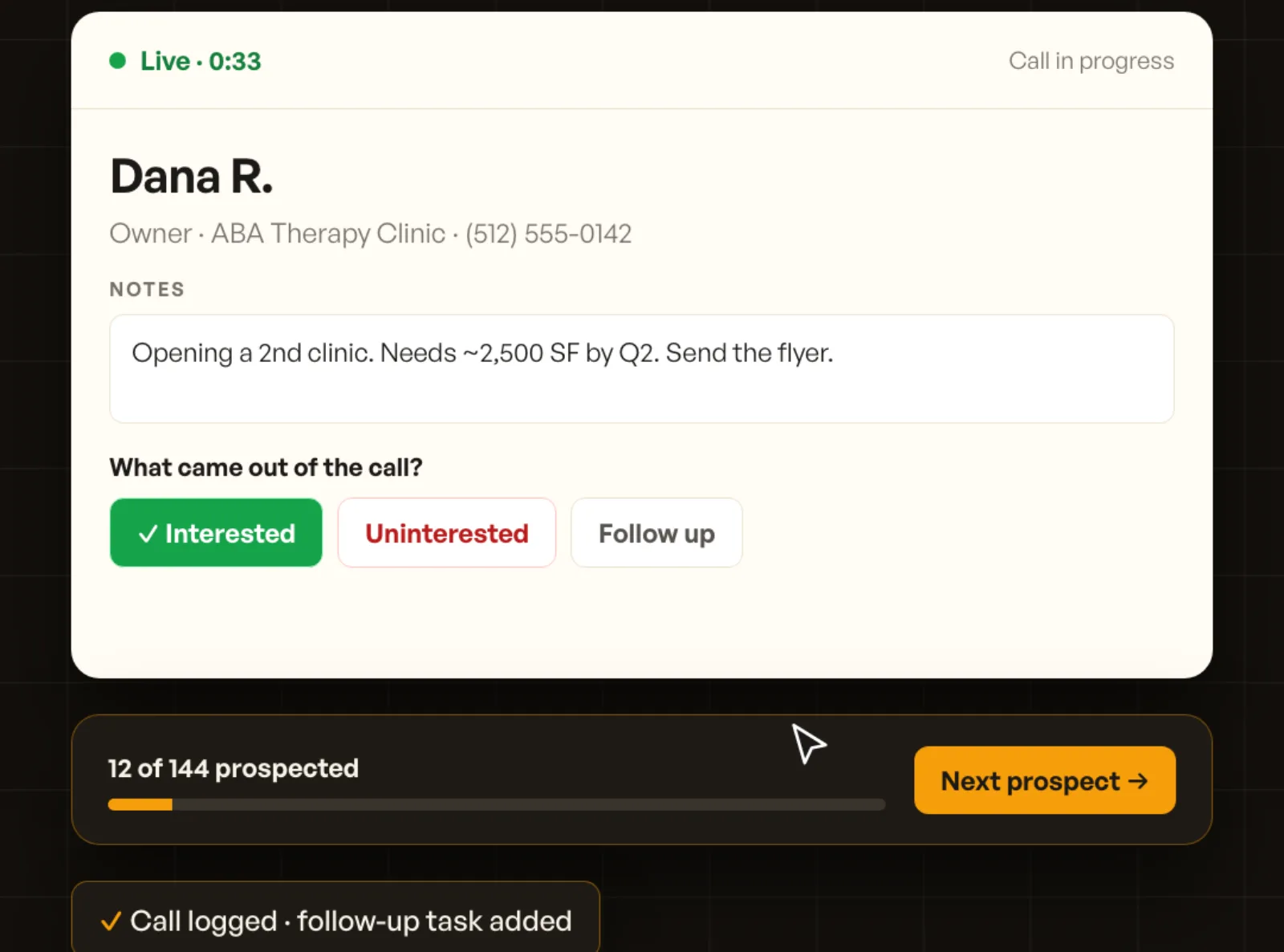
After the call, AI writes up your notes and the call is logged to the prospect automatically. Mark a follow-up and a task is added for you, which is how prospecting stays consistent instead of depending on memory.
Some prospects won't pick up. Email the rest of the list in one pass, from your own Gmail or Outlook, so replies land in your inbox like any other email.
Select the prospects and open the email composer. Tell AI what the email is about in a sentence, for example "Our new 2,500 SF space near them. Ask for a quick call," and it drafts the email. Merge fields like {{first_name}} and {{company}} personalize every copy, so each prospect gets a note written to them, not a blast.
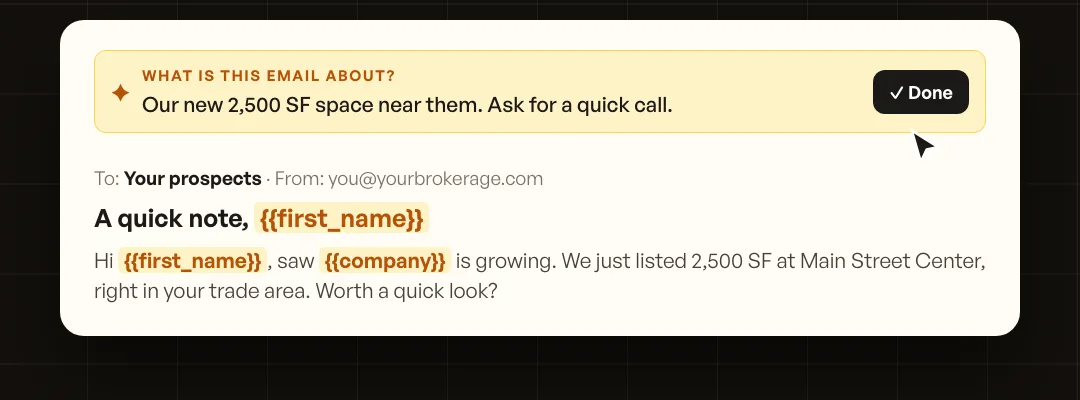
Before you send, you can attach listings and send a preview to your own inbox to check how it looks. Sending is a press-and-hold so nothing goes out by accident, and a daily sending limit keeps your mailbox in good standing.
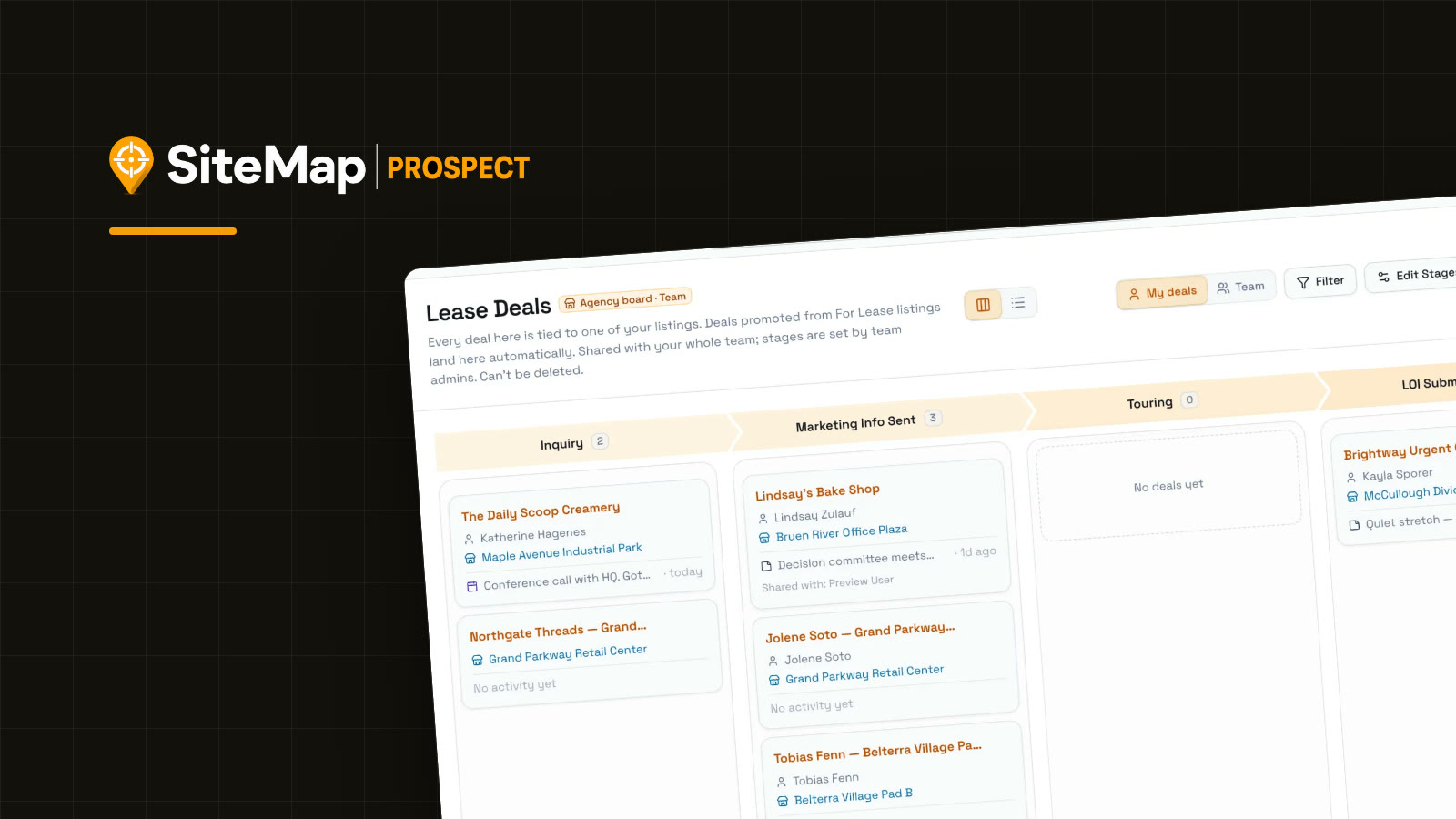
When a prospect is interested, move them into your pipeline. Deals move across stages built for brokerage, like Inquiry, Marketing Info Sent, Touring, and LOI Submitted.
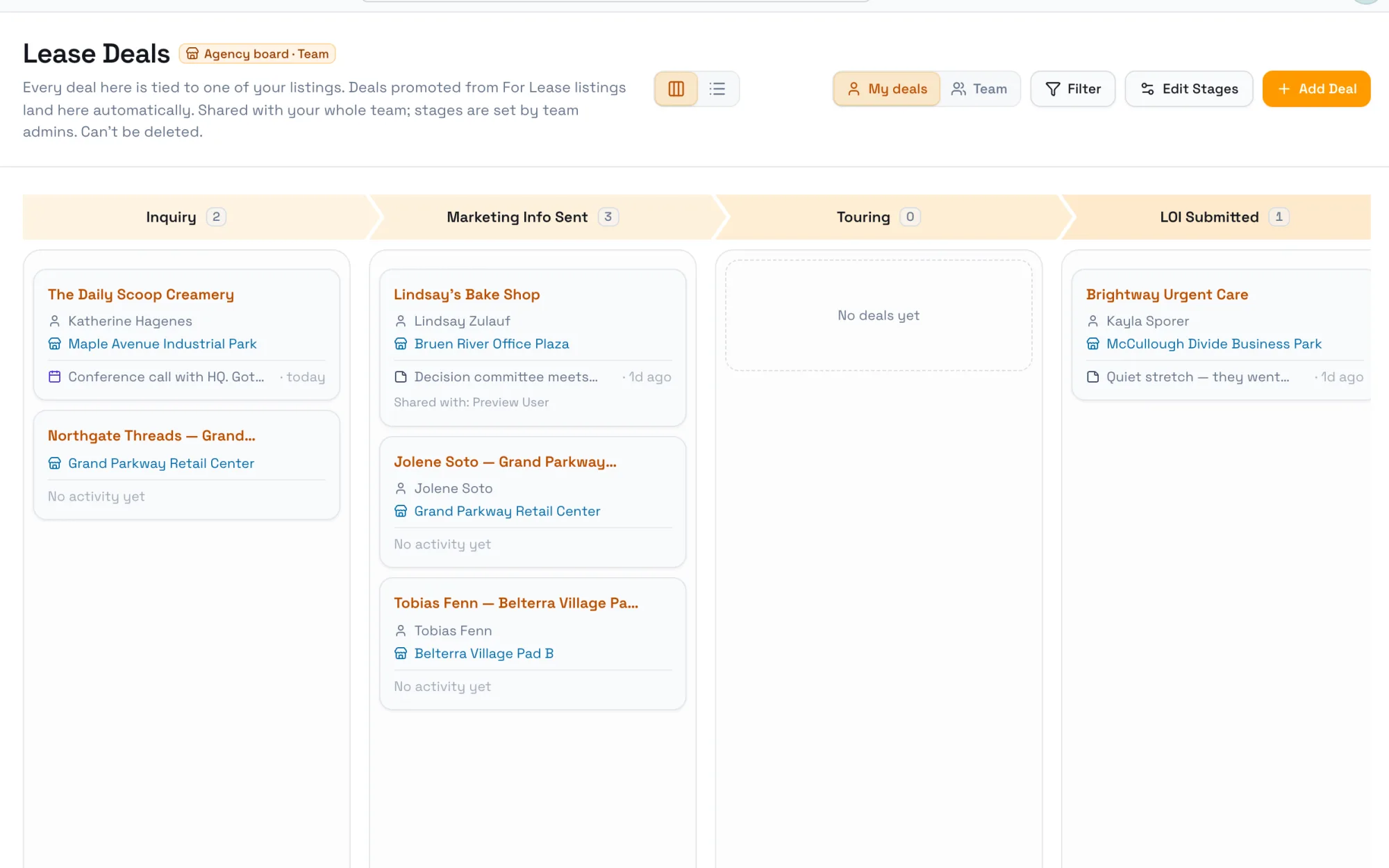
Every call, email, and tour on the listing also feeds a live landlord report: the lead funnel, where leads came from, and activity over time. Share it as a link instead of building a deck before the owner meeting.
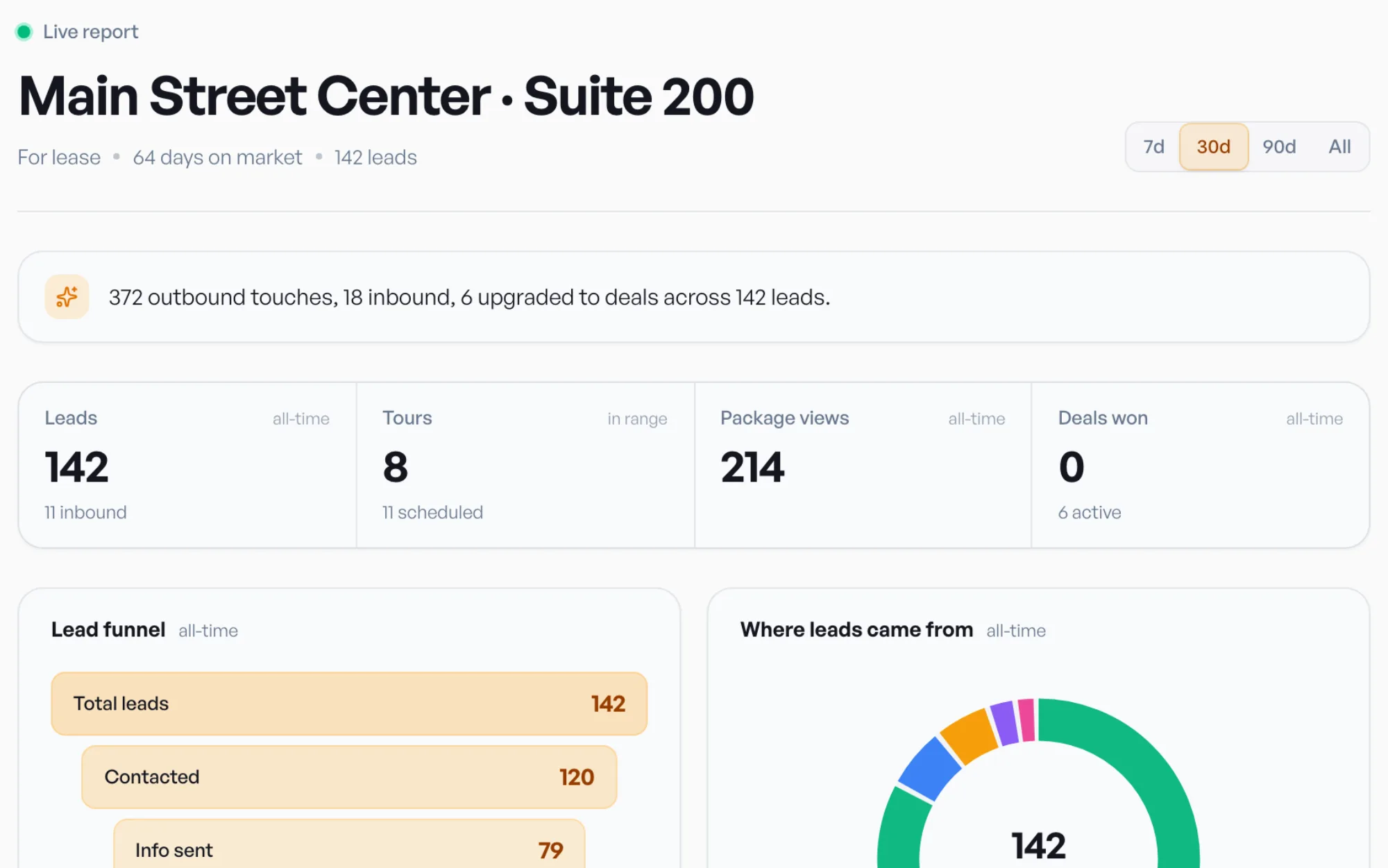
See Listing Reports and Lead & Prospect Tracking for more.
Start from the space, not the tenant. Define the uses that fit the space and the trade area around it, build a list of businesses in those categories nearby, find each one's decision maker, and contact them by phone and email on a schedule. Prospect automates the list and the contact research so you can focus on the outreach.
Finding businesses that fit usually takes 10 to 30 seconds once your area and criteria are set. Most brokers go from a new campaign to a reviewed, enriched list in about ten minutes.
Retail and Medical today. Office, Industrial, and Mixed-use are coming soon.
Yes. You connect your own Gmail or Outlook, and emails go out from your mailbox so replies come back to you.
No. Calls are placed from Prospect: SiteMap rings your phone and connects you to the prospect, then logs the call with AI notes and any follow-up.
A generic CRM stores contacts you already have. Prospect finds the businesses that fit a space, finds their decision makers, and gives you the tools to work the list, then tracks everything through a brokerage pipeline and a landlord report.
Prospecting consistently isn't about willpower. It's about removing the prep that makes it easy to put off. Build the list once, work it every day, and let the system track the follow-ups.
For the bigger strategy behind this, read How to fill a vacant space: a landlord rep's prospecting playbook. Ready to try it? Start a free trial of Prospect or watch the 1-minute product video.
Start a 30-day free trial and run the whole playbook inside SiteMap.